


Wrong calibration weight
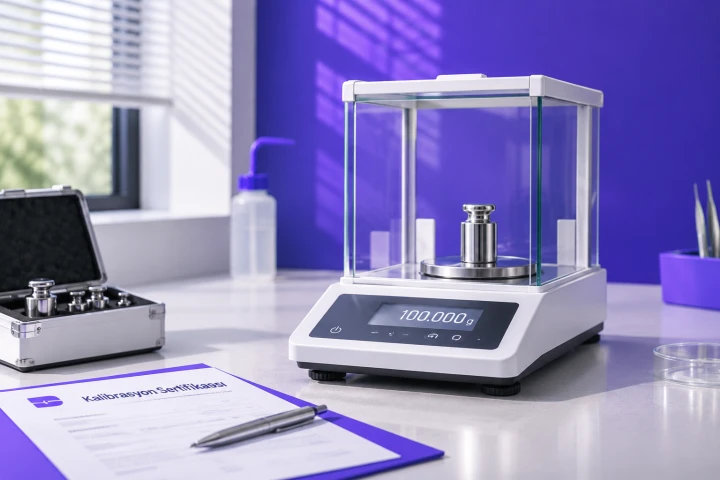
The balance could not read the expected weight correctly and stably for calibration. For models with internal calibration, the manual also reminds you to remove the transport screw at the lower left of the balance.
Check it yourself first. If it continues, it needs service.
What should you do?
Try the steps in order.
- Use a calibration weight of the value requested on the display and of the correct class.
- On models with internal calibration, check that the transport lock screw at the lower left has been removed (manual section 5).
- Eliminate air currents and vibration, then repeat the calibration.
Possible causes
- Calibration weight of the wrong value or class
- Air drafts or vibration
- Transport screw not removed on a model with internal calibration
Do you need service?
If it persists although repeated with the correct weight in a suitable environment, the calibration mechanism must be checked by service.
Models showing this code: TGI Precision, TGI Analytical, TG

“Unstable” Warning on a Scale Display: 7 Possible Causes
An “Unstable” warning on a scale does not point to a fault on its own. Learn the seven common causes of an unsettled reading, from vibration and air flow to sample behavior and pan contact, and the checks to do for each.

How Often Should Scales Be Calibrated?
There is no single calibration interval that suits every scale. Consider usage intensity, the environment, and the importance of measurement results. Treat mandatory periodic inspection separately from calibration.
6 Checks to Make Before Sending Your Scale to Service
Environment, weighing pan, draft shield, check weight, power and accessory checks before a scale goes to service. A time-saving checklist.

Source: Gram Precision official user manual
Legal notice
The error code explanations and checks on this page are based on manufacturer manuals and are provided for general information only; they do not replace technical service, diagnosis or warranty. The meaning of a code may vary by model, firmware version and configuration.
The decision to carry out any suggested step, and its consequences, rest with the user. Terazibul cannot be held liable for device damage, weighing errors, data loss, commercial loss or any other direct or indirect damage arising from the use of this information.
On legal-for-trade (verified) scales, adjustment and calibration must only be performed by a qualified technical service in line with legal metrology rules. Disconnect power before opening the device and contact a service provider if in doubt. Brand and model names belong to their respective owners and are used only to identify the device.
 Buy-Back Eligible Product
 Warranted Refurbished Scales
 Trade-In Eligible Product
