


Memory overflow
New records or total data cannot be written to memory. Space can be freed by deleting unused records.
Check it yourself first. If it continues, it needs service.
What should you do?
Try the steps in order.
- Press the [CLEAR] key to return to normal mode.
- Delete unused PLU and message records.
Possible causes
- Many PLU or message records
- Accumulated total data
Do you need service?
If the error continues even after the records are deleted, service is required to check the memory.
Models showing this code: BC-4000, BC-4000L2, BC-4000L2B, BC-4000L2H

What Do UL and OL Errors Mean on a Scale? Causes and What to Do
The UL and OL warnings on a scale are mostly related to underload and overload conditions. Since their meanings and fixes can vary by model, first check the weighing pan, the load and the user manual.
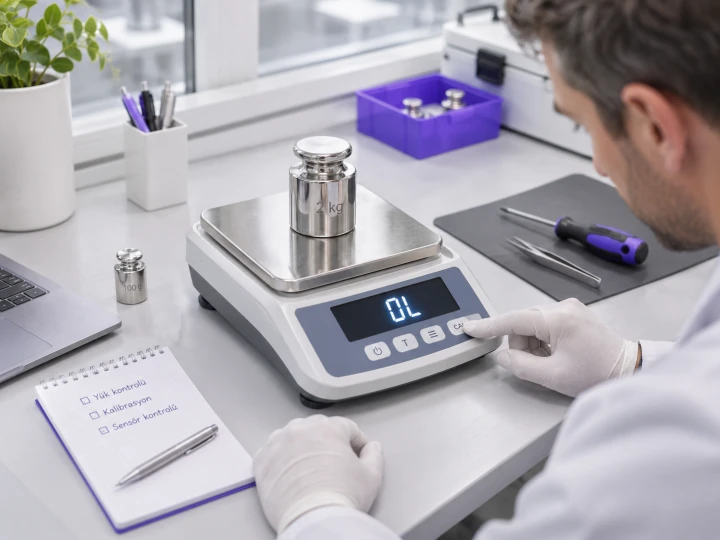
6 Checks to Make Before Sending Your Scale to Service
Environment, weighing pan, draft shield, check weight, power and accessory checks before a scale goes to service. A time-saving checklist.
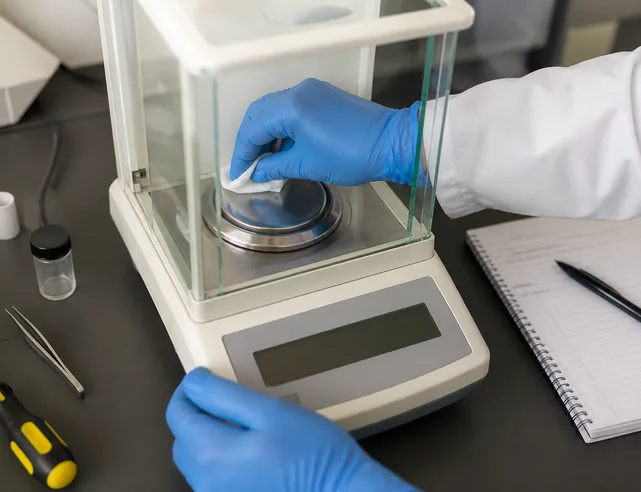
Spotting Scale Faults Early: Acting Before Losses Grow
Signs that a scale is weighing wrong, early warnings, OL, CAL Err and other error codes, and an action plan before losses grow.
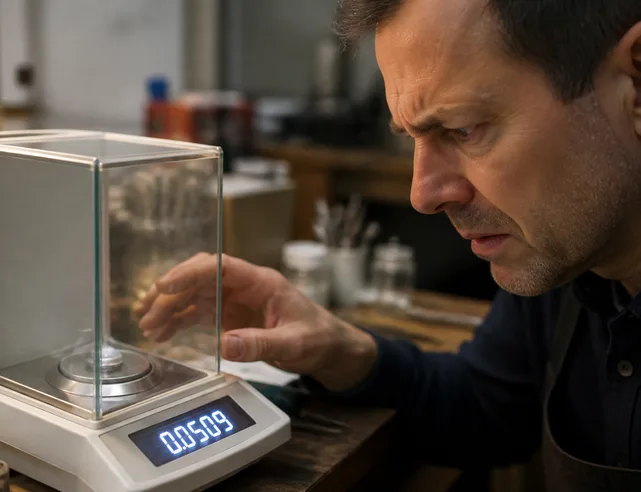
Source: Ishida official user manual
Legal notice
The error code explanations and checks on this page are based on manufacturer manuals and are provided for general information only; they do not replace technical service, diagnosis or warranty. The meaning of a code may vary by model, firmware version and configuration.
The decision to carry out any suggested step, and its consequences, rest with the user. Terazibul cannot be held liable for device damage, weighing errors, data loss, commercial loss or any other direct or indirect damage arising from the use of this information.
On legal-for-trade (verified) scales, adjustment and calibration must only be performed by a qualified technical service in line with legal metrology rules. Disconnect power before opening the device and contact a service provider if in doubt. Brand and model names belong to their respective owners and are used only to identify the device.
 Buy-Back Eligible Product
 Warranted Refurbished Scales
 Trade-In Eligible Product
